








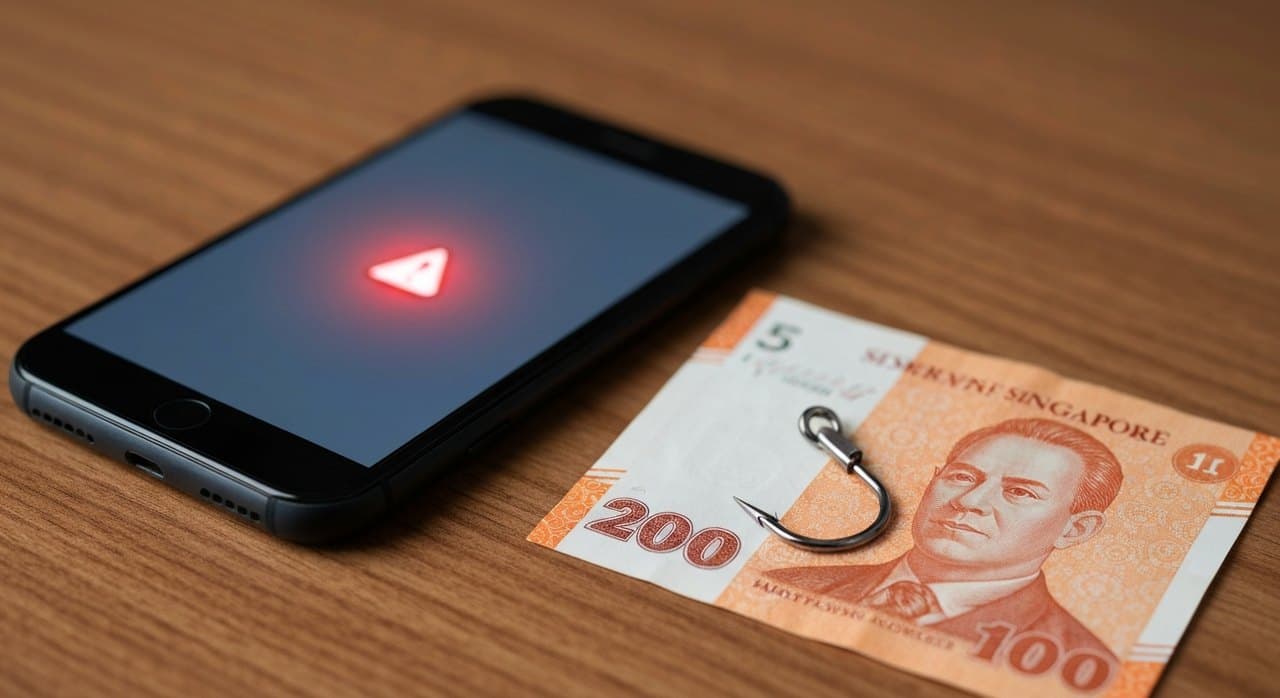
Phishing sites pretending to be Philippine banks and e-wallets grew from 731 sites in 2024 to 3,824 in 2025, a 423% jump. The pace did not slow in early 2026. GCash blocked more than 4,900 QR-phishing merchants in a single sweep in April. BDO published a fresh warning about smishing texts pretending to be from delivery companies and government agencies.
For Filipinos in Singapore who send money home, hold an online account in both countries, or run a small business that uses GCash for payments, the risk has changed shape. The classic "click this link to verify your account" email is still around. The newer patterns are sneakier and faster.
This is what is hitting OFWs in Singapore right now, and what to do about it.
The patterns to know
Quishing. A QR-code phishing scam. A poster, a sticker on a payment terminal, or an image inside a chat says "scan to pay". The QR points to a fake GCash or BPI login page that captures your number, MPIN and one-time password in one shot. GCash blocked nearly 5,000 quishing merchants in April. The pattern is rising in Singapore too, where stickers have been spotted on chairs at food courts and on takeaway bags.
E-snatching. A newer pattern that does not even need your OTP. Malicious apps installed on a phone, often through a third-party APK side-loaded after a fake "update" prompt, drain your e-wallet in the background. By the time you notice, your GCash balance is gone and your bank account is being drained. Android phones with unknown sources enabled are the typical target.
Smishing from "BDO" or "GCash". An SMS that looks like an official BDO or GCash alert telling you to verify your account, claiming your card is suspended, prompting you to tap the link. The link points to a fake login page. BDO posts a regularly updated list of its official SMS senders; anything outside the list is suspect.
Voice phishing. Someone calls claiming to be from your bank, from GCash, from the BIR, or from the DMW. They quote your name, your account number, sometimes even your last few transactions, to build trust. They then walk you through verifying your account by reading out an OTP. The OTP they want is the one that will authorise a withdrawal from your account, not verify it.
Fake refund or remittance pages. You see a post promising a P500 GCash refund, a "padala promo", or a free top-up. The link asks you to log in to claim. The login page is a copy of the real one, but it captures your credentials.
The rules that beat most of these scams
A few rules that beat the vast majority.
Never give your OTP to anyone, including someone who says they are calling from your bank. The OTP is for you to confirm an action you initiated. No legitimate bank or e-wallet will ever ask you to read one out.
Never scan a QR code unless you would type the same URL yourself. If the sticker is on a chair or in a chat from a number you do not know, do not scan it.
Never install an Android app from a link in a chat or an SMS. Use the Google Play Store. Disable Install unknown apps in your Settings unless you have an active reason to allow it.
Turn on biometric login on GCash, BDO Online, BPI, and any other money app you use. Set the auto-lock timeout to 1 minute. Update the app every time the store offers an update; new security patches matter.
Change your GCash MPIN once a quarter. Use a 6-digit number that is not your birthday or your phone's last four. Do not reuse the same MPIN across apps.
Set transaction alerts for every account you have. Email and SMS. If a transaction you did not authorise lands in your account, you want to know in seconds, not after the next payday check.